Akai Professional iMPC Pro v1.6 iPad-BWEL
iMPC Pro is a 64-track music production powerhouse for your iPad. With built-in sampling functionality, a massive sound library, effects, and over 30 performance-driven features, iMPC Pro brings the functionality of Akai Professional's coveted Music Production Center to your iPad. Developed in partn
资源介绍
BWEL | July 24 2016 | 462 MB
iMPC Pro is a 64-track music production powerhouse for your iPad. With built-in sampling functionality, a massive sound library, effects, and over 30 performance-driven features, iMPC Pro brings the functionality of Akai Professional's coveted Music Production Center to your iPad.
Developed in partnership with Retronyms, the developers of the original iMPC app, iMPC Pro comes with pro-grade tools for intuitive beat creation whenever inspiration strikes. It combines multiple sampling methods, producer-tested MPC features, a custom sample library from Richard Devine, and an intuitive gestural editor for the most powerful, creative and fun iPad music production experience yet.
Features
Creating sample-based music on your iPad with renowned MPC functionality
Sample audio from the iPad microphone, your own tracks using resampling, other apps using InterApp Audio, or your music library
64 tracks for flexible multi-track music production including gain fader, 3-band EQ, mute, solo, panning and FX sends on each track
All-new chop-shop provides intuitive multi-touch editing, trimming, auditioning, splicing, splicing and processing samples
All-new Timeline View opens a multi-touch gestural editor for sequencing, recording, and editing
All-new Flux mode lets you warp and glitch beats in real-time or with automation
All-new Precision Knobs and Faders expand on command for precisely dialing in parameters
All-new 3D-performance mode lets you perform with the iPad's accelerometer
All-new Turbo Duck effect fattens up tracks with sidechain compression
Exclusive sound library featuring 1,400+ samples from sound designer Richard Devine with hundreds of Akai Pro exclusive samples
Improved sampling workflow with re-sampling, drag n’ drop kit assembly and sample library organization
16 Levels mode with attack, velocity, length, and tuning settings for quickly creating variations of sounds
Note Variation slider lets you adjust attack, velocity, length, and tuning as you play
Onboard effects include delay, bit crusher, and master compressor/limiter
Live Sequence queuing for real-time performance and playback
Time correct: 1/8 note – 1/32T with variable swing
MPC Note Repeat featuring 1/8 note – 1/32T timing with latch
Supports Inter-App Audio in iOS7 for sampling and FX routing from other music apps
AudioCopy and AudioPaste for copying/pasting sequences from compatible apps
Works with MPC Element via the Apple iPad Camera Connection Kit (sold separately)
Community sharing built-in: directly upload to SoundCloud, Facebook, Twitter, Tumblr, or export to your computer
iOS support for simple drag-and-drop, plucking, and multi-touch music gestures
Interactive gesture control for automation, mixing, and effects
Automation lets you record pad and track mute changes to sequences
Tabletop ready – use iMPC Pro inside the acclaimed Tabletop App to combine it with dozens of synths, sequencers, FX and more
Tuning, Panning, Level, Lo-Pass and Hi-Pass available for each sound
Easy cloning of sequences via multitouch capabilities
Classic "Next-Sequence" lets you juggle sequences to experiment with different compositions or for dynamic live performance
Mute and poly pad groups for authentic percussion performances
Pad effects include custom-designed envelope filters, 4-mode distortion and ring mod
Supports InterApp Audio mode. Record the outputs directly into other apps like GarageBand and Cubasis
Over 20 demo projects to manipulate, shape and learn with
Extensive Undo History lets you roll back projects to any state
Export tracks as an audio file
Compatibility
Requires iOS 7.0 or later.
Compatible with iPad.
What's New
Better performance
相关推荐

效果器插件
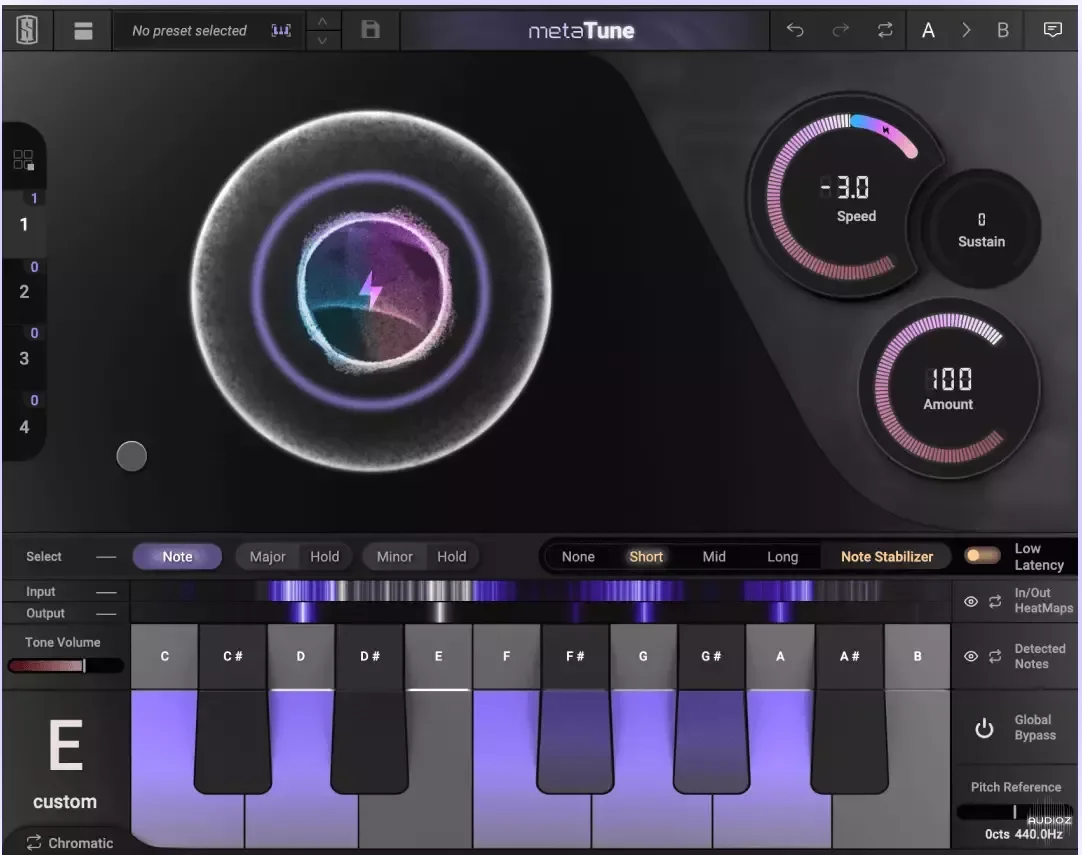
Slate Digital MetaTune v1.2.3.0 U2B macOS 阅读 NFO-GUISEPPEv1.2.3.0
效果器插件
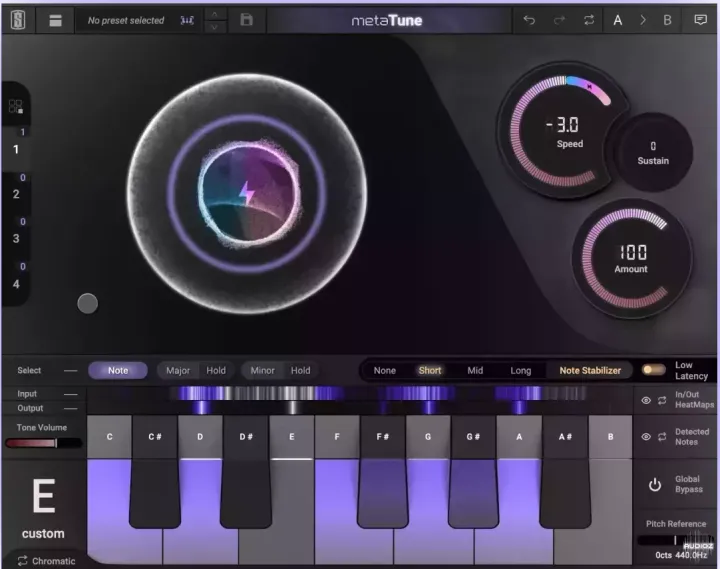
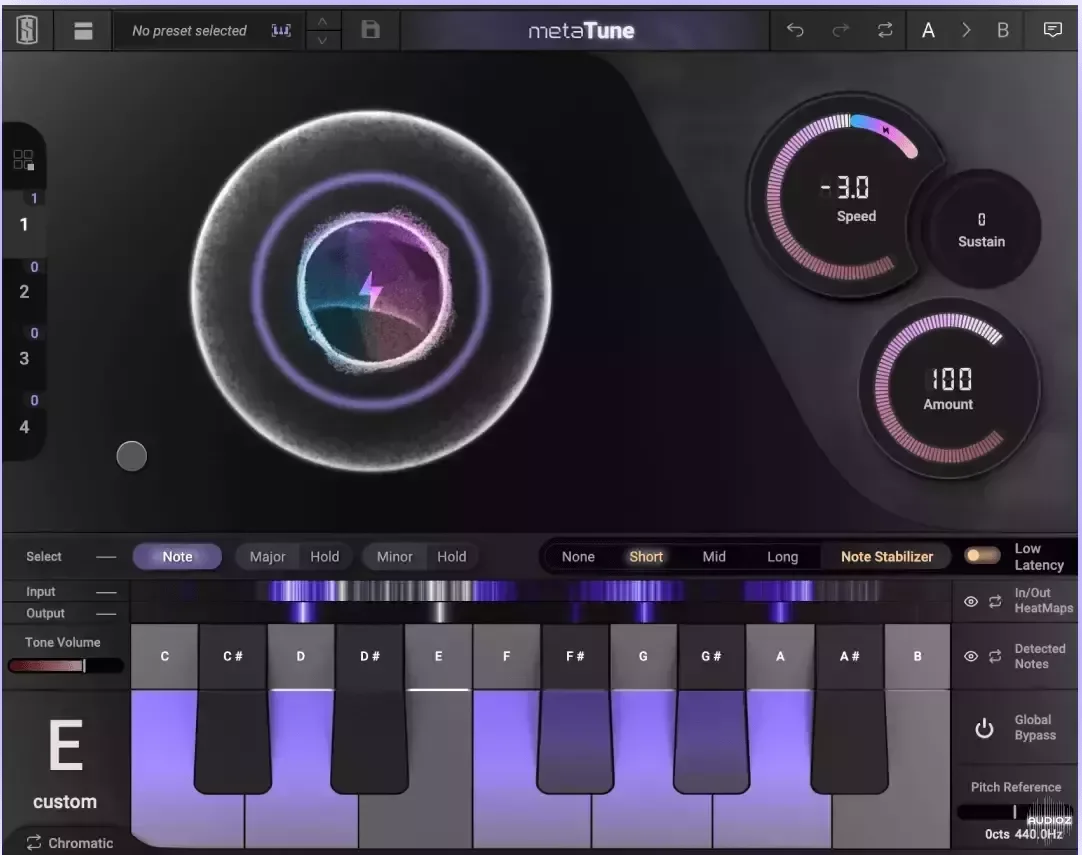
Slate Digital MetaTune v1.2.3.0 WiN 独立 VST2/VST3v1.2.3.0
效果器插件
ArtsAcoustic - Reverb 1.6.0.15、BigRock 1.0.7、CL Series 1.0.19、VST x86 x64(无需安装,SymLink 安装程序)[19.03.2017]
效果器插件