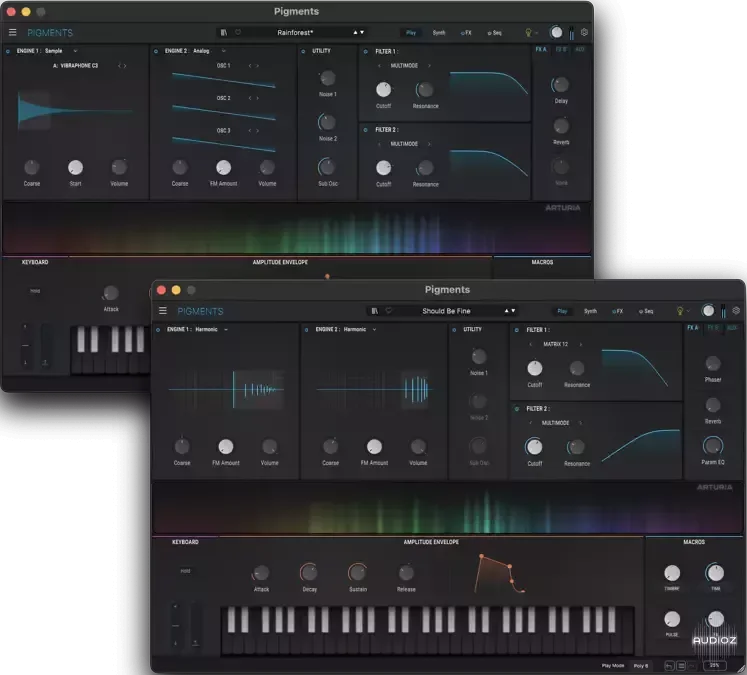
Arturia Pigments v6.0.3 WIN-josenacha
Pigments Polychrome software synthesizer. Pigments is a state-of-the-art software instrument that gives you the power of every shade of synthesis. With colorful, expressive sound engines, effortless modulation, professional utilities, and studio-grade FX, explore an infinite spectrum of sound. The f
资源介绍
josenacha | 24/04/2025 | 1.4 GB
Pigments Polychrome software synthesizer.
Pigments is a state-of-the-art software instrument that gives you the power of every shade of synthesis. With colorful, expressive sound engines, effortless modulation, professional utilities, and studio-grade FX, explore an infinite spectrum of sound. The fastest way to the sound in your head. Quickly craft the ultra-fat, hard-hitting, soul-stirring sounds you need with a software synthesizer that’s powerful, versatile, and easy to use.
V 6.0.3
New Features
- Improved popups look.
Bugfixes & Improvements
- Fixes several bugs with Lab controller screen feedback on windows.
- Protools: armed tracks are no longer desynchronized from the project tempo.
- Fixed project recall issues on Reaper
- No more clicks with the FX Super Unison retrig mode.
- Distortion effect Dry/Wet no longer creates notches in high frequencies.
- FX Overdrive tone is now bipolar with correct tooltip.
- Factory samples can no longer be imported as user samples.
- Fixed advanced modulators unwanted retrigs in legato mode.
- Seq Modulator GUI now updates correctly when auto-random is active.
- Fixed bugs with the modulators copy/paste function
- Undo now supports MIDI controller actions.
- Enhanced accessibility for initial plugin launch experience.
- No more display issues with side panel settings.
- Fixed arpeggiator up & down behavior.
- Preset selection from quick browser no longer resets filters/sorting.
- Effects Insert/send state is preserved when changing FX preset.
- GUI rendering has been improved on AMD GPUs.
- Fixed a bug where preset browser styles were lost when editing presets.
- The preset count is no longer cropped, when having over 1000 presets in a playlist.
- Computer keyboard input now works properly when the quick browser is open.
- MPE Pitch Slide now properly works after repeated slides.
- MPE slide CC changes now apply immediately after re-enabling MPE.