Bionic Delay - The Interruptor VST v1.0 (FREEWARE)
This is an improved version of the popular "Bionic Delay" which is in use in many studios since over a decade. The new version was developed in a joint effort with Dub producer Russ D (The Disciples) who proposed to include additional features which are helpful for live Dub mixes. Tape delay section
资源介绍
WIN: x86 VST | WinRAR ZIP SIZE: 2.63 MB | EXTRACTED WinRAR ZIP SIZE: 2.69 MB
This is an improved version of the popular "Bionic Delay" which is in use in many studios since over a decade. The new version was developed in a joint effort with Dub producer Russ D (The Disciples) who proposed to include additional features which are helpful for live Dub mixes.
Tape delay section:
- high and low frequency roll-off
- tape wow and flutter
- smooth parameter for continuous delay time changes
- freeze function
- x2 button, doubles the delay time
- delay time is syncronized with host tempo
- set any delay time between tripplet and doted note timing
- set different delay times in left and right channel
Stereo section
- balance control pans the effect left and right
- stereo width control
- ping pong delay switch
- delays drifting from the center to the left or to the right
- auto panner
Filter section
- 12 filter types
- LFO to modulate cutoff frequency (host synchronized)
- flexible routing: before or after the delay
Pitch shift section
- 5 algorithms
- can be used also for chorus effect
- flexible routing: before or after the delay
Reverb section
- 2 reverbs A, B with different characters can be mixed
- flexible routing: before or after the delay
Each section can be disabled. Using the flexible routing options many different effects chains can be achieved. Examples:
- Send Reverb into Filter with LFO modulation
- Pitch shifter inside the delay feedback loop for continuous shifts with each delay repetition
Signal flow diagram: shows the currently selected routing of the different sections
Pop-up hints help to understand the function of each control on the user interface. These appear when the mouse rests over a control.
MIDI learn: Each control can be automated via MIDI controllers.
相关推荐
效果器插件
ArtsAcoustic - Reverb 1.6.0.15、BigRock 1.0.7、CL Series 1.0.19、VST x86 x64(无需安装,SymLink 安装程序)[19.03.2017]
效果器插件
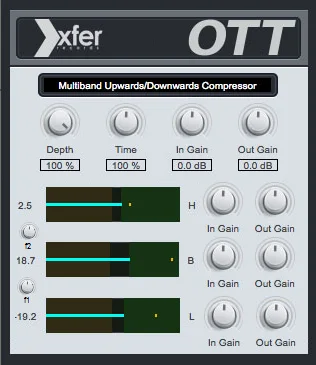
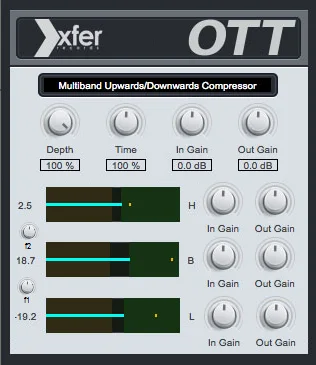
Xfer Records OTT v1.21 x64 x86 VST AU AAX WiN MAC [免费]v1.21


效果器插件
iZotope Photon v2027.0.10 - VRv2027.0.10


效果器插件