Dexster Audio Editor 4.3 x86
Complete solution for improving audio quality and creating music. Audio Editing Edit audio files visually (Open, Save, Cut, Copy, Delete Select, Delete Silence, Paste, Paste From File, Mix, Mix From File) Support multiple files editing at the same time Insert and change described information about m
资源介绍
2014 | x86 | 12.22 MB
Complete solution for improving audio quality and creating music.
Audio Editing
Edit audio files visually (Open, Save, Cut, Copy, Delete Select, Delete Silence, Paste, Paste From File, Mix, Mix From File)
Support multiple files editing at the same time
Insert and change described information about marker / audio file
Keyboard Shortcut Commands
Apply Audio Effects
Apply audio effects; Amplify, Compressor, Delay, Envelope, Equalizer, Expander, Fade, Flanger, noise, silence, Invert, Normalize, Phaser, Reverb, Reverse, Silence, Tempo, Trim, Vibrato, Chorus, Pitch Shift, Distortion.
Apply Virtual Studio Technology (VST) effects
Preview effects before apply
Apply Audio Filters and Audio Restoration
Apply audio filters to the selected part of an audio file; Band Pass Filter, FFT Filter, High Pass Filter, High Shelf Filter, Low Pass Filter, Low Shelf Filter, Notch Filter, Peak EQ Filter, FIR Filter
Vocals, Noise, Clicks, Pops, Reduction
Audio Mixing
Mix one audio file / content with another
Mix Stereo Channels
Audio Recording
Record an audio file from a microphone or from other input devices
Recording Timer to control the recording duration
Audio CD Burning
Audio CD Burning (Blue ray drives supported)
Audio Extraction
Extract Audio from Video or Audio CD
Audio Merging and Splitting
Merge and split audio files
Audio Format Conversion
Convert an audio file from one format to another. Batch audio conversion is also supported.
Set Audio Formats Frequency, channels and bitrate
Audio Player
Play an audio file or any part of it
OS : Windows 7, 8, Vista, XP, 2000, 2003, 2008
Language : English
相关推荐
效果器插件
ArtsAcoustic - Reverb 1.6.0.15、BigRock 1.0.7、CL Series 1.0.19、VST x86 x64(无需安装,SymLink 安装程序)[19.03.2017]
效果器插件
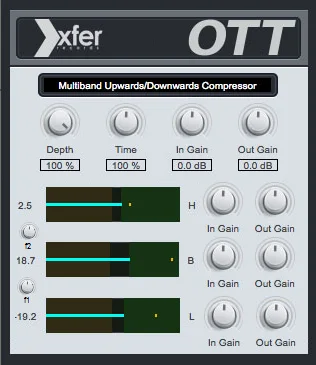
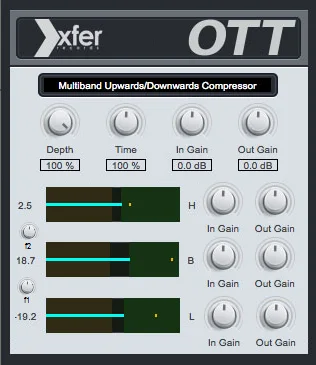
Xfer Records OTT v1.21 x64 x86 VST AU AAX WiN MAC [免费]v1.21


效果器插件
iZotope Photon v2027.0.10 - VRv2027.0.10


效果器插件