Dillon Bastan Divisions v1.0.1 For Max For Live AMXD-GTA
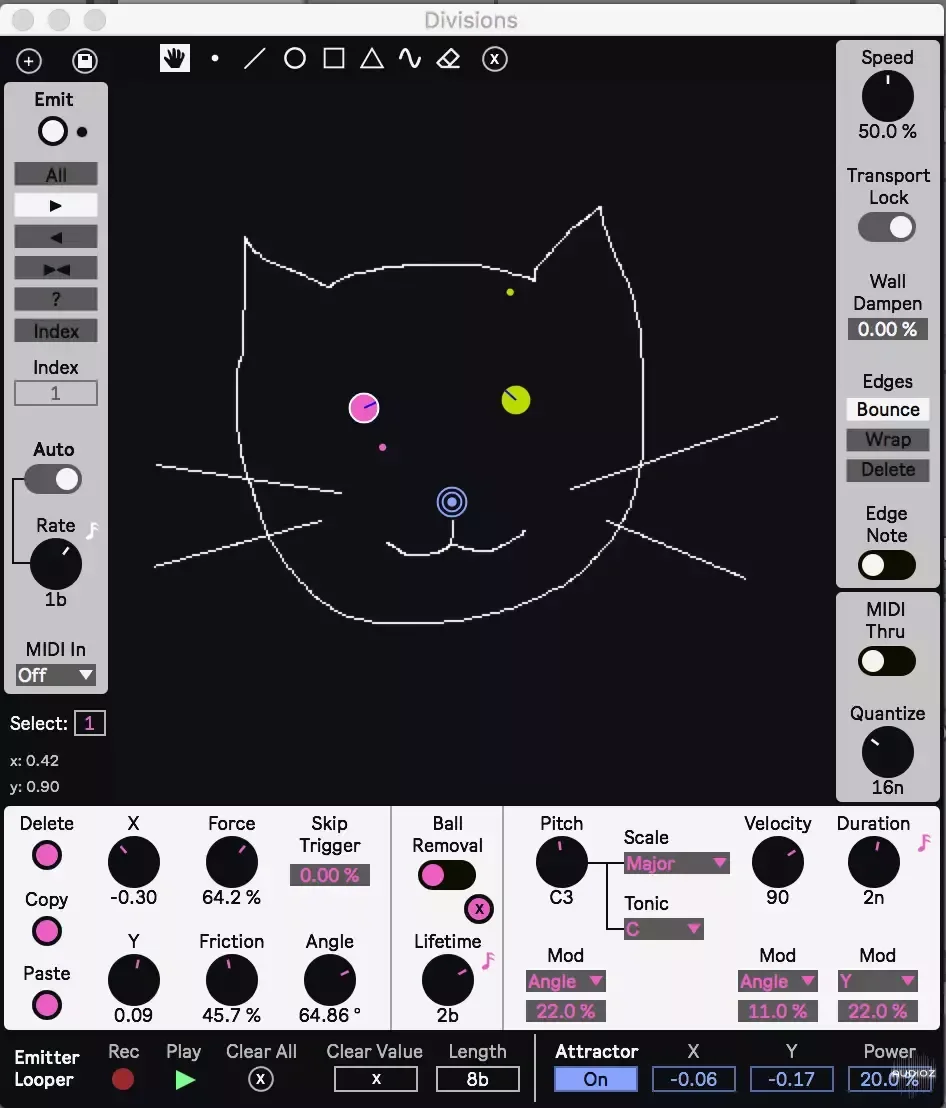
Divisions is a MaxForLive MIDI Effect. Use various drawing tools to draw walls that balls can bounce off of. You can create up to 32 emitters to launch balls with different settings. When a ball bounces off of a wall, a MIDI note is output based on the settings of its emitter. Use Divisions to creat
资源介绍
GTA | 06 April 2024 | 1.33 MB
Divisions is a MaxForLive MIDI Effect. Use various drawing tools to draw walls that balls can bounce off of. You can create up to 32 emitters to launch balls with different settings. When a ball bounces off of a wall, a MIDI note is output based on the settings of its emitter. Use Divisions to create various different MIDI effects in a less conventional way! Whether a sequencer, arppeggiator, melody/counter point/chord generator, note delay, and whatever else you come up with!
Comes with:
The device, user manual, 30 presets
Version Info:
Works with Live 10 and up!
Features:
Spoiler:
Various cursor modes for drawing walls, and more:
Emitter selector cursor for selecting, moving, and rotating emitters
Free draw tool
Line draw tool
Ellipse, rectangle, and triangle shape tools with rotation and arc options
Sine wave draw tool with phase and frequency options
Eraser and clear drawn walls function
Up to 32 emitters with independent settings that launch balls:
XY Position and angle of launching balls
Force of launch
Friction for the balls (slows them over time)
Chance of skipping ball launch triggering
Two ball removal modes: after a certain interval or number of wall hits
MIDI note pitch (the note it outputs when colliding with a wall)
Various pitch scale options and tonic option
MIDI note velocity
MIDI note duration with sync options
Modulation sources and bipolar amounts for the MIDI note pitch, velocity, and duration
Modulation options include: Ball position (X and Y), distance from the center, speed, angle, index of total balls, random spray, number of hits left
Functions for copy and pasting emitter settings to each other
NOTE / DISCLAIMER: Emitter parameters cannot be modulated, automated or mapped! This is to avoid creating 32 instances of emitter settings which would make long loading times for the device. To compensate for this there is an internal parameter automation looper for the emitters described below!
Various methods for triggering emitters to launch a ball:
Manual and auto triggering at a set interval
Various options for choosing which emitter is triggered
Ability to have incoming MIDI notes trigger emission and even control when balls are removed
Simulation speed option
Lock to transport
Various edge handling modes
Note output interval quantization
Emitter Parameter Automation looper, which loops changes in Emitter parameters
Attractor/Repeller for adding simple attraction physics to the balls
A small auxillary device called Divisions Listener, which allows sending MIDI notes from different emitters in once device instance to seperate tracks in Ableton so that you can control various instruments from one device.
To Install And Use Presets:
Drop the entire folder called 'Divisions' (NOT the folder called 'Divisions v.x.x.x') into the folder called 'ableton/user library/presets/midi effects/max midi effect'. This is found in the 'Places' section in Live's browser or in your finder/file browser. If you are going through finder (mac) the Ableton folder is typically in your 'Music' folder. If you are going through your file browser (windows) it is typically in the 'My Music' folder. The path to the .amxd file should be: 'ableton/user library/presets/midi effects/max midi effect/Divisions/Divisions.amxd'
相关推荐
采样素材
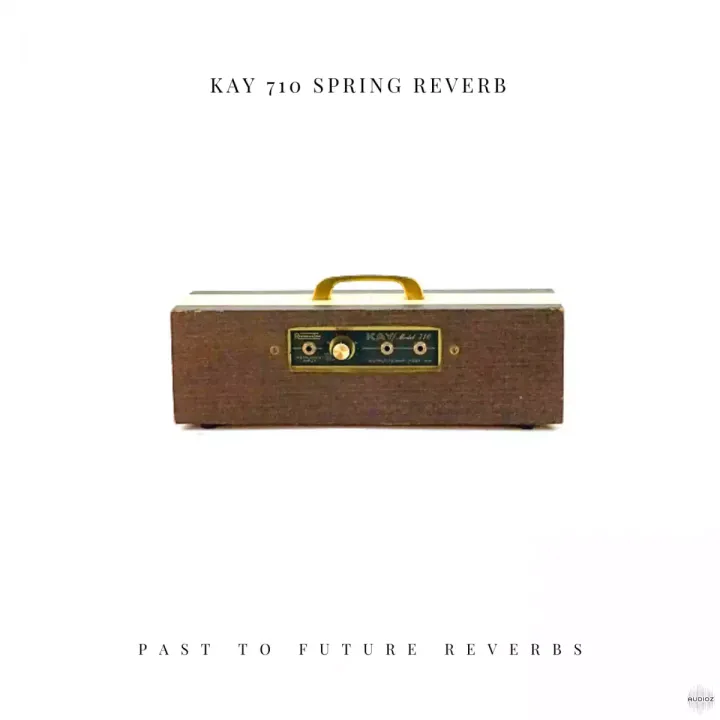
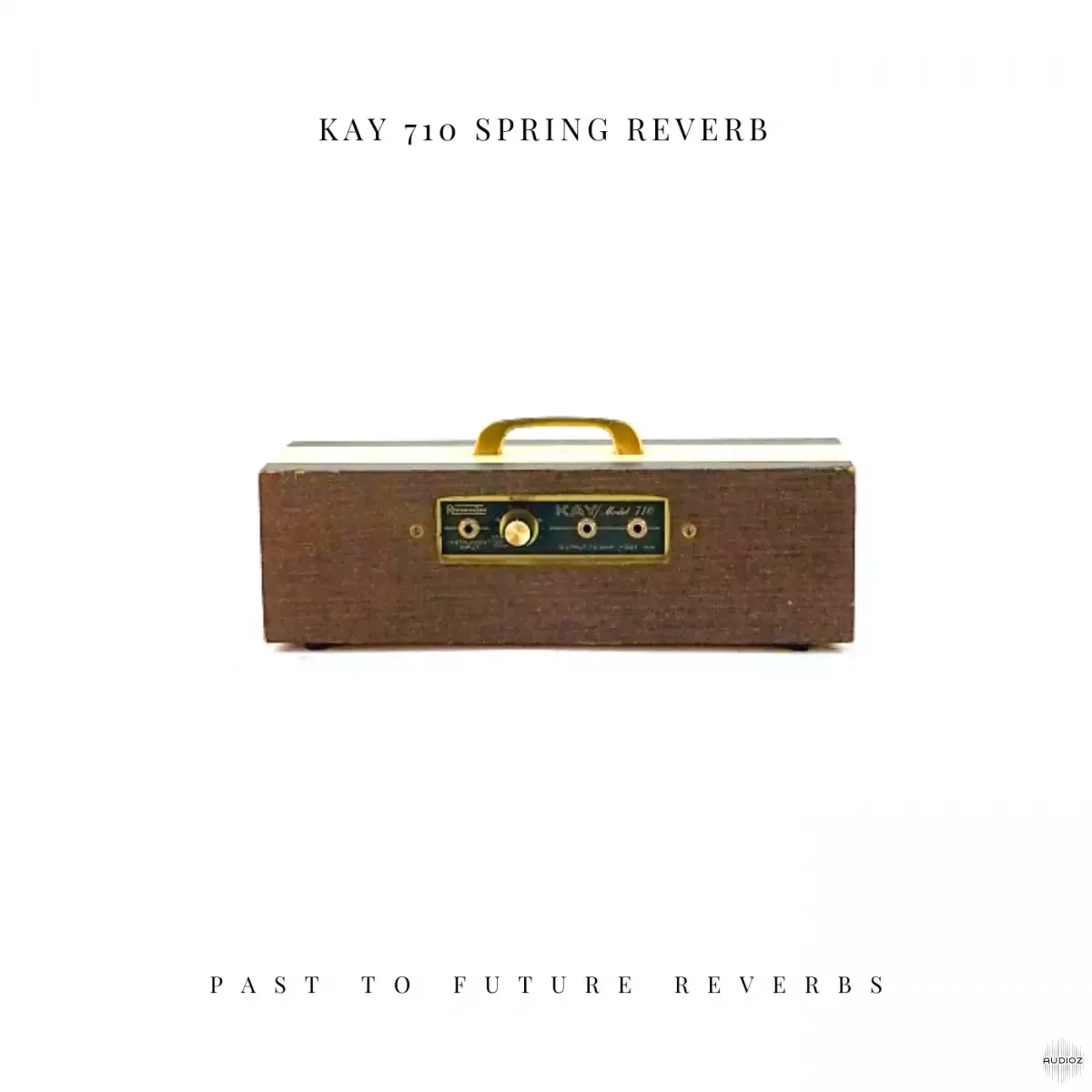
PastToFutureReverbs KAY 710 Spring Reverb! Impulse Responses (IRs) WAV

采样素材
Red Means Recording Samples Pitched Percussion Loops WAV-FANTASTiC


采样素材
The Kount Kounts Great Minds Vol 2 Aaron Paris WAV-FANTASTiC


采样素材