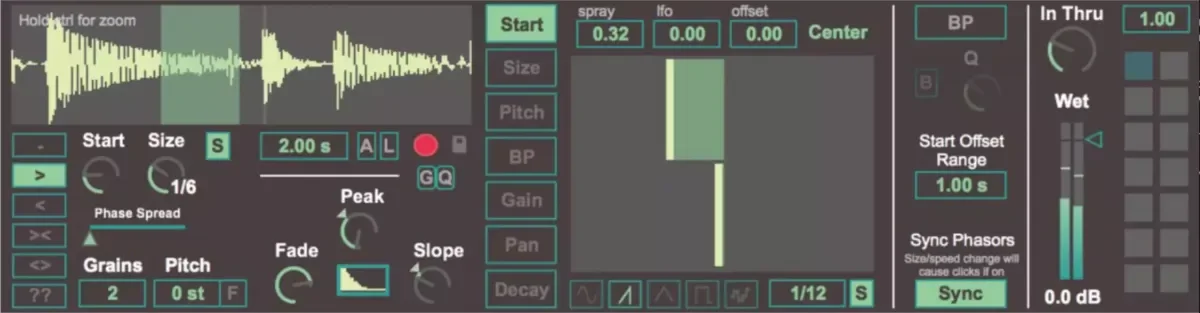
Dillon Bastan Samsara v1.0.3 For Max For Live AMXD-GTA
Samsara is a granular looping max for live device that allows for individual control of each grain (or voice). This means that you can set these parameters for each grain individually: start position, grain size, pitch, filter center, short delay time, panning and gain. Samsara is an audio effect an
资源介绍
GTA | 06 April 2024 | 4.64 MB
Samsara is a granular looping max for live device that allows for individual control of each grain (or voice). This means that you can set these parameters for each grain individually: start position, grain size, pitch, filter center, short delay time, panning and gain. Samsara is an audio effect and so you can record incoming audio into the buffer to apply the granular looping on. There are several different record modes which makes Samsara useful for live performance looping as well.
Comes with:
The device, User Manual, 7 presets, 3 samples
Version Info:
Works with Live 10 and up!
Features:
Ability to drop a sample or record audio to be played back with granular synthesis
Various options for recording into the buffer:
Quantized recording start
Record in or out of selected region of buffer
Start from buffer begiining or append to last record ending
Loop recording
Various playback settings:
Different playback directions, start position, free or synced grain sizes, grain phase spreading
Pitch, fade window shaping
Options for individually setting and modulating various parameters per grain:
For start, grain size, pitch, bandpass filter center, gain, panning, and short delay time
Each of the above can be individually offset, have random spray applied after each grain playback window is finished, or be modulated with an LFO
Parameter state snapshots that can be morphed
To Install And Use Presets:
Drop the file 'Samsara.amxd' (NOT the folder 'Samsara' but just the device file) into the folder called 'ableton/user library/presets/audio effects/max audio effects'. This is found in the 'Places' section in Live's browser or in your finder/file browser. If you are going through finder (mac) the Ableton folder is typically in your 'Music' folder. If you are going through your file browser (windows) it is typically in the 'My Music' folder.
相关推荐
采样素材
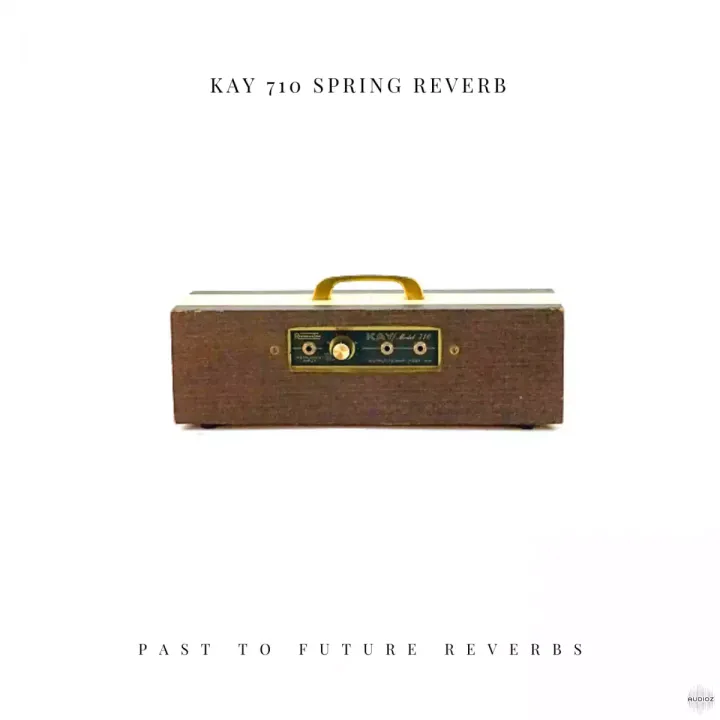
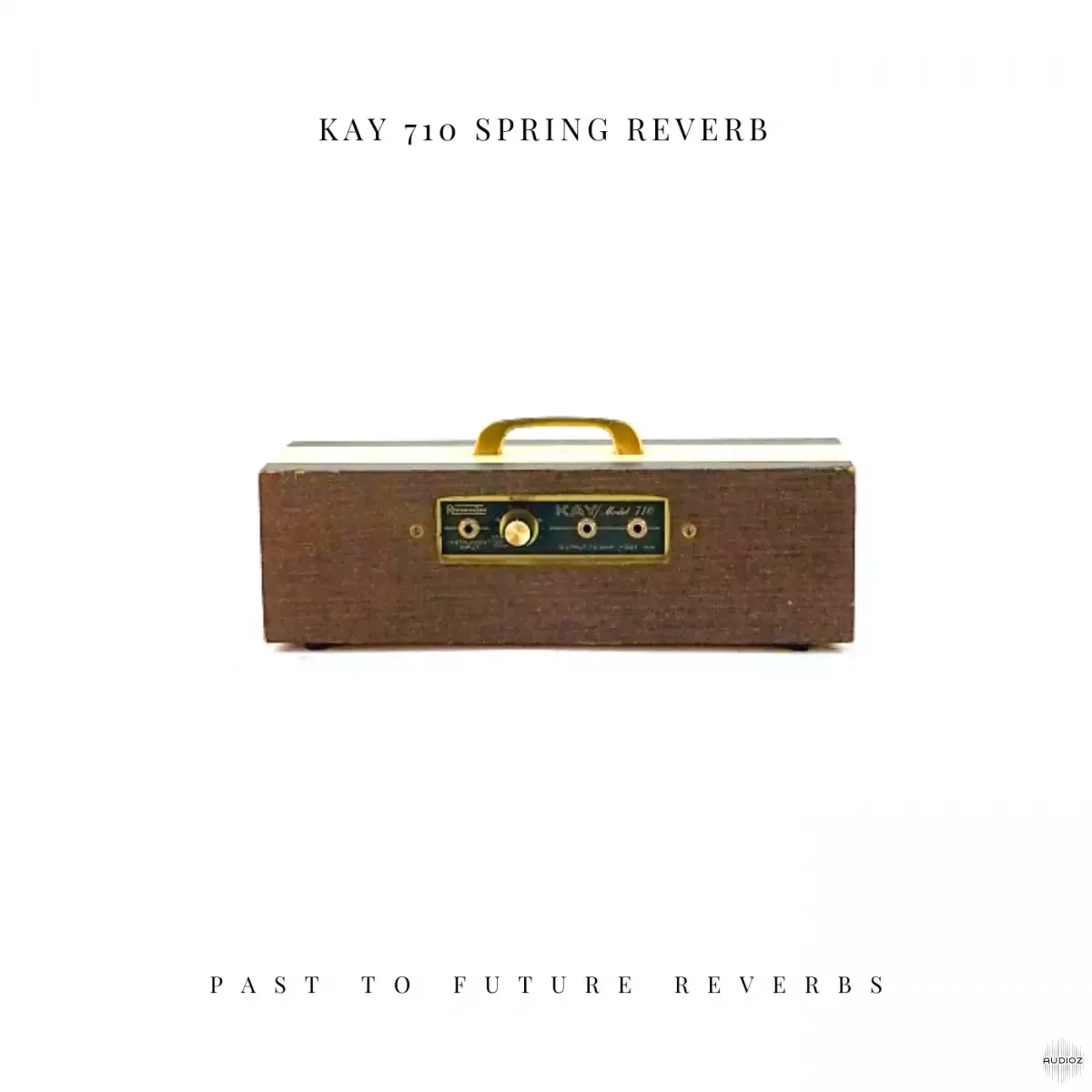
PastToFutureReverbs KAY 710 Spring Reverb! Impulse Responses (IRs) WAV


采样素材
Red Means Recording Samples Pitched Percussion Loops WAV-FANTASTiC


采样素材
The Kount Kounts Great Minds Vol 2 Aaron Paris WAV-FANTASTiC


采样素材