ST
Studio 2 v2.1.7 iOS
- 96 Tracks! YES, NINETY SIX TRACKS! Create as many tracks up to 96 as your iOS device will let you. - BeatPad midi plugin: Tap the folder icon/new/track/midi then tap the Midi Track's input button to select BeatPad. - Audiobus -- (Create Stereo Audio track and set input to ausiobus. Sometimes, mult
资源介绍
Studio 2 v2.1.7 iOS | 12.54 MB
- 96 Tracks! YES, NINETY SIX TRACKS! Create as many tracks up to 96 as your iOS device will let you.
- BeatPad midi plugin: Tap the folder icon/new/track/midi then tap the Midi Track's input button to select BeatPad.
- Audiobus
-- (Create Stereo Audio track and set input to ausiobus. Sometimes, multiple attempts to pair are required.)
- Record Digital Audio from devices plugged into dock connector
- Multiple sample rate options
- Record audio and midi tracks in each session
- Available reverb and delay effect sends for each track
- Unlimited Songs
- Beautiful Design
- Import Audio from Your Music Library
-- Documents/iPod Library
- Import audio from your iTunes-Synced Documents Folder
- Import audio from email
-- Tap/hold audio attachment and select open-in Studio 2
- Record audio from thousands of online radio stations
-- Documents/New/NewTrack/Stereo
-- Set Online Radio as input and select a station
- Quantize midi tracks to keep notes in sync
--Tap Settings/Quantization
- Tap and hold metronome button to reveal metronome UI
- Tap and hold Input button to quickly reveal input plugin (BeatPad or Online Radio for example)
- 118 BeatPad Kits available for download
- Quick Punch Recording
- Tap Docs button/NewTrack/Midi then set BeatPad as the input to create BeatPad midi tracks
- Many features & updates to come!
Whats New
- Sharper Track Imagery for retina iPad UI
- Delay Effect's Count setting is now saved to each session
- Greatly Reduced Latency
- Tapping Record Button on lower bar auto starts recording. Now you no longer must tap record then play; you just tap record.
相关推荐

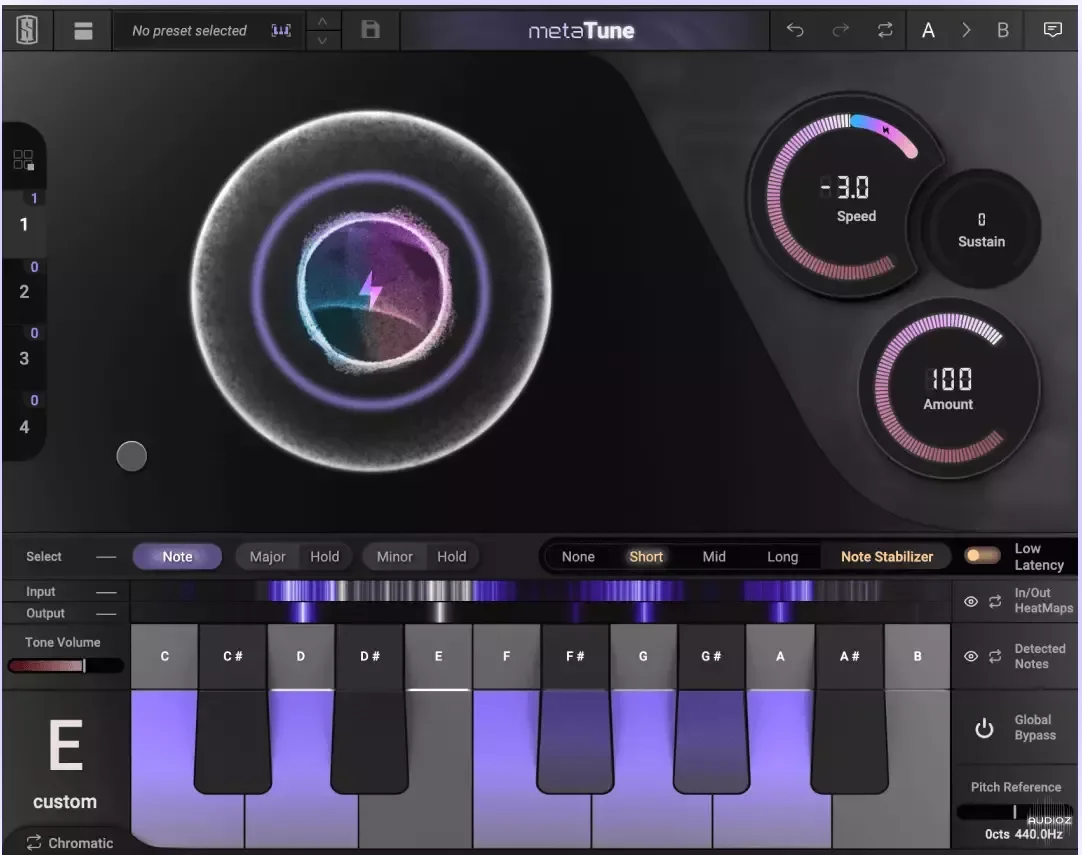
效果器插件
Slate Digital MetaTune v1.2.3.0 U2B macOS 阅读 NFO-GUISEPPEv1.2.3.0
2¥2 · 会员可下
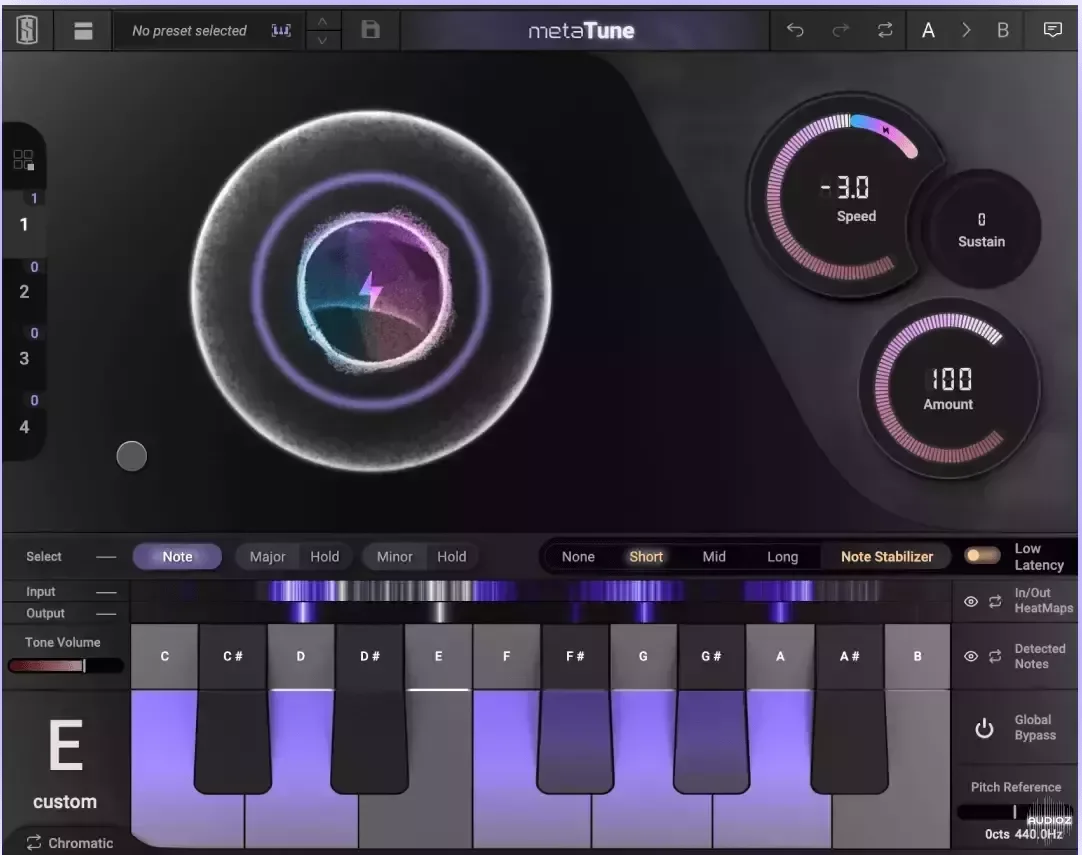
STANDALONE · VST3
效果器插件
Slate Digital MetaTune v1.2.3.0 WiN 独立 VST2/VST3v1.2.3.0
1¥2 · 会员可下
AR
VST
效果器插件
ArtsAcoustic - Reverb 1.6.0.15、BigRock 1.0.7、CL Series 1.0.19、VST x86 x64(无需安装,SymLink 安装程序)[19.03.2017]
1¥2 · 会员可下
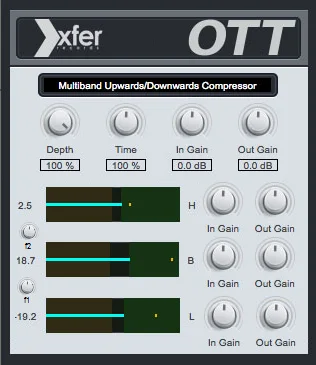
VST · AU · AAX
效果器插件
Xfer Records OTT v1.21 x64 x86 VST AU AAX WiN MAC [免费]v1.21
1¥2 · 会员可下