Studio One X v2.6.1 WiN by Narech Kontcell
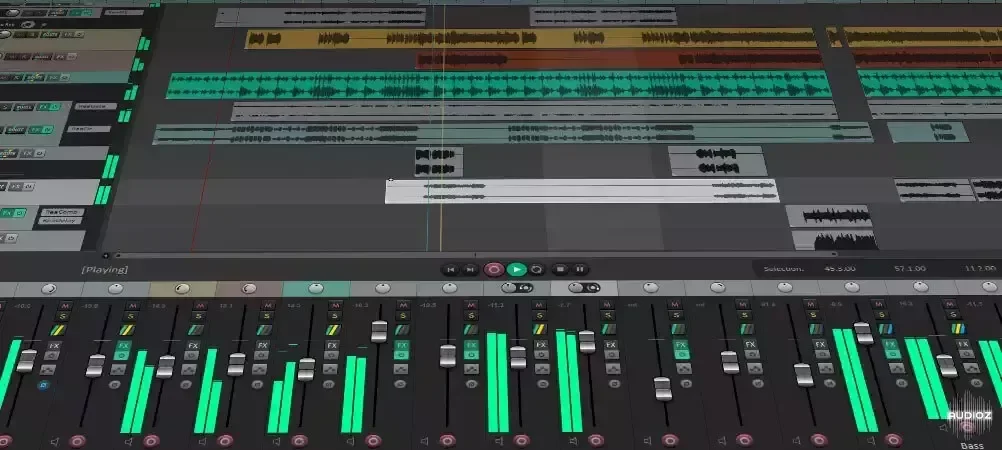
Discontinued, but few of its features are still working (fullscreen and that little info box that shows available RAM for example). This is the only way to get a proper fullscreen mode on Windows as far as I know, and a few people asked me how did I got it working on Studio One 4 so I wanted to shar
资源介绍
WiN | 0.21 MB
Discontinued, but few of its features are still working (fullscreen and that little info box that shows available RAM for example). This is the only way to get a proper fullscreen mode on Windows as far as I know, and a few people asked me how did I got it working on Studio One 4 so I wanted to share how I did it.
Instructions for Studio One 3.x.x:
-
Install x86 or x64 version from corresponding folder by running the "install.cmd" file. You need to run the file with administrator privileges.
-
Move studioonex.package from StudioOneX-v2.6.1-package folder to C:/Program Files/PreSonus/Studio One 3/Scripts/ or where ever you had Studio One installed.
-
Enjoy proper fullscreen on Windows by pressing Alt+Enter.
Instructions for Studio One 4.x.x:
-
Rename the "Studio One 4" folder from C:/Program Files/PreSonus/ to "Studio One 3" (just temporarily).
-
Repeat the installation steps mentioned above, and remember to move the studioonex.package file to Scripts folder.
-
Rename the folder from step 1 back to "Studio One 4".
-
Enjoy proper fullscreen on Windows by pressing Alt+Enter.