Sylenth1 Black Skin for Mac
A fresh take on a black skin for Sylenth1 for Mac. I use this with Sylenth1 v2.21 Beta. I'm not sure if it will work with other versions. Enjoy! Installation Instructions: For VST: Locate the file "Sylenth1.vst" usually in /Library/Audio/Plug-Ins/VST Right click then choose "Show Package Contents" N
资源介绍
A fresh take on a black skin for Sylenth1 for Mac. I use this with Sylenth1 v2.21 Beta. I'm not sure if it will work with other versions. Enjoy!
Installation Instructions:
For VST:
Locate the file "Sylenth1.vst" usually in /Library/Audio/Plug-Ins/VST
Right click then choose "Show Package Contents"
Navigate to:
/Library/Audio/Plug-Ins/VST/Sylenth1.vst/Contents/Resources
Backup the Resources folder then replace with the new unzipped Resources folder.
- If you're using a VST to RTAS wrapper make sure to re-wrap the plugin after changing the skin.
For AU:
Locate the file "Sylenth1.component" usually in /Library/Audio/Plug-Ins/Components
Right click then choose "Show Package Contents"
Navigate to:
/Library/Audio/Plug-Ins/Components/Sylenth1.component/Contents/Resources
Backup the Resources folder then replace with the new unzipped Resources folder.
相关推荐

音源乐器
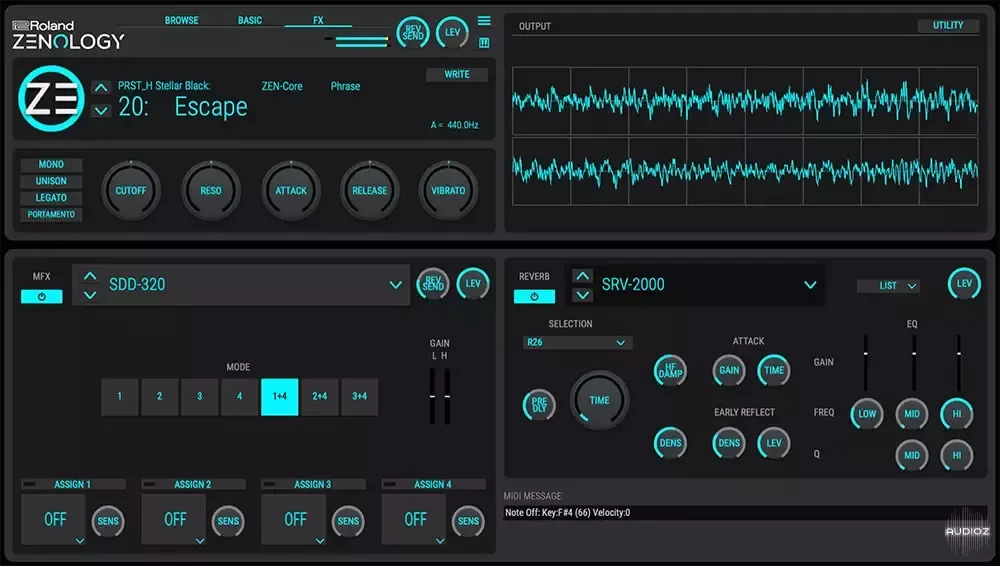
Roland Cloud ZENOLOGY Pro v2.0.1 UNLOCKED-R2Rv2.0.1


音源乐器
Native Instruments Massive XL v2.0.0-bobdulev2.0.0


音源乐器
Native Instruments Massive STANDALONE VSTi RTAS v1.2.1 x86 x64 WORKiNG-ASSiGNv1.2.1
音源乐器