Tone Stack v.1.2 iOS
ToneStack offers a huge range of amps, cabs & FX: sizzling tube amps, iconic stompboxes, pro-grade rack units, and high-end reverbs make ToneStack the most complete plugin suite on the iOS. Right away, enjoy 6 classic amps & cabs, and 21 meticulously designed FX. Expand to a total of 24 amps & cabs,
资源介绍
Tone Stack v.1.2 iOS | 201.15 MB
ToneStack offers a huge range of amps, cabs & FX: sizzling tube amps, iconic stompboxes, pro-grade rack units, and high-end reverbs make ToneStack the most complete plugin suite on the iOS.
Right away, enjoy 6 classic amps & cabs, and 21 meticulously designed FX. Expand to a total of 24 amps & cabs, and 71 FX – the largest collection on iOS.
ToneStack also brings many powerful guitar FX to the iOS for the first time: polyphonic octaver, harmonizer, realistic spring reverbs, virtual-reel tape delays are just a few examples.
The Most Versatile Signal Chain on iOS
Why be limited with just 4 or 8 FX that other guys max you out at? ToneStack lets you run a whopping 64 amps & effects simultaneously* so you can let your imagination run wild.
For even more power, ToneStack includes a unique ABY unit not found in other FX apps. Split your signal anywhere: run dual amp setups, switch or blend FX chains, or multiplex your signal via frequency splitting – countless permutations, all up to you.
You can match any amp with any cab (all cabs have 3 mics with distance & position settings); you can insert any unit anywhere – even between amps and cabs like a true FX loop. Managing your signal chain is as easy as dragging and dropping an icon!
inSTUDIO & Other Goodies
Wanna quickly sketch out an idea, or cut a song and share it? ToneStack offers a powerful 8-Track recorder – first two tracks free — with plenty of user-friendly features. Fire up the built-in Tapedeck to quickly record an idea or create loops, or manipulate audio with its Hi-Q pitch & time shift. Import & export audio via email, WiFi, iTunes or copy/paste. Built-in tuner, metronome and a custom onSTAGE mode are just a few other amazing ToneStack features.
All the Pro Features of iOS
Enjoy the full power of the platform’s top MIDI and Preset systems. MIDI learn is super-intuitive thanks to ToneStack's WYSIWYG interface: all the amp & FX controls are MIDI-programmable. Effortlessly create UNLIMITED banks and presets – share them at the touch of a button. ToneStack is an Inter-App Audio effect, and works in any Audiobus slot.
Highlights
- “Virtual Circuit” amp & FX modeling technology
- Units modeled after real-life topologies
- ABY: split signal anywhere, use dual amp setups, blend, pan or switch FX chains & more
- Complete collection: 24 amps & cabs, 71 FX, with stompboxes & rack-units and more!
- 64 simultaneous amps & FX*
- Independent amps & cabs
- 3 mics per cab w/ distance & position setting
- 8-Track recorder w/ 2 tracks free
- Tapedeck w/ punch looping, sample-accurate rec, pitch/time manipulation, FX send & more
- Tuner w/ permanent & fullscreen modes
- Metronome, tap tempo, settable time signature
- BPM sync mods & LFOs
- onSTAGE mode w/ quick preset load & FX toggle
- Unlimited banks & presets; easy preset sharing & more
- Extremely powerful MIDI: control any amp or FX parameter
- Easy MIDI Learn
- MIDI prog changes + bank & preset up/down
- Audiobus: input, FX, output, state-saving
- Inter-App Audio FX
- Audio copy/paste, email, WiFi, iTunes sharing
- And a lot more!
Hardware
- Works with iOS compatible USB or headphone jack interfaces (USB recommended for best audio quality)
- Requires iPad 2, iPhone 4S, iPod Touch 5 or newer
Visit us at www.yonac.com
- Device CPU limitations apply
Whats New?
- Revamped connections screen
- You can now toggle any unit directly on the connections screen: simply tap the unit's name, located underneath its icon
- Similarly, tap on ABY icons' name area to cycle through splitting modes
- Color coded icons for instant visual feedback
- ToneStack now comes standard with a volume pedal so that you can use your favorite MIDI controller for swells or level adjustments. The Volume Pedal is located in the Modulation category.
- 3 types of output limiting / clipping protection: Tape 1, Tape 2 & Standard. Select the type or disable by going to AUDIO PREFS menu
- Increased sound definition
- Extended MIDI connectivity preferences
- Can now individually turn hardware or virtual MIDI in ports on/off
- Individual input & clock toggles for hardware & networked MIDI connections
- New MIDI learn features
- Can now map MIDI values to a new range using MIDI Min/Max properties (continuous parameters)
- CC State Control option for continuous parameters: when enabled, automatically turns off associated unit when MIDI value is 0; if MIDI value is increased, turns unit back on.
- Ability choose Latch or Momentary control type for toggles & switches
- MIDI Tap Tempo
- Increased output levels for delays
- Improved unit replace (touch & hold) behavior
- Silent switching
- Audiobus state saving: now saves the complete preset into Audiobus, so you can share via Audiobus
- Other improvements & fixes
相关推荐

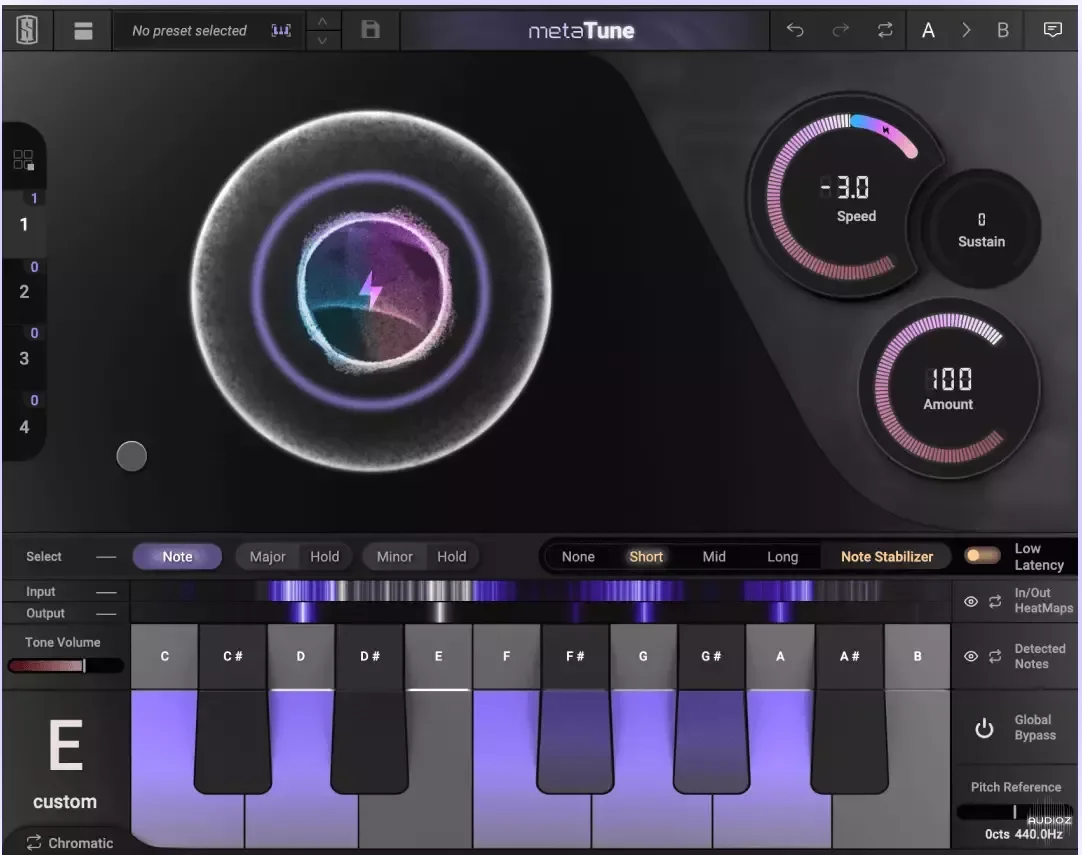
效果器插件
Slate Digital MetaTune v1.2.3.0 U2B macOS 阅读 NFO-GUISEPPEv1.2.3.0
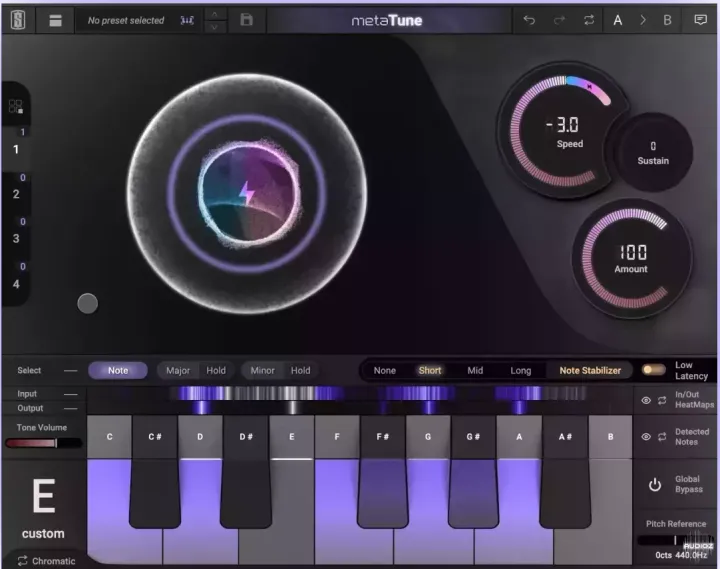
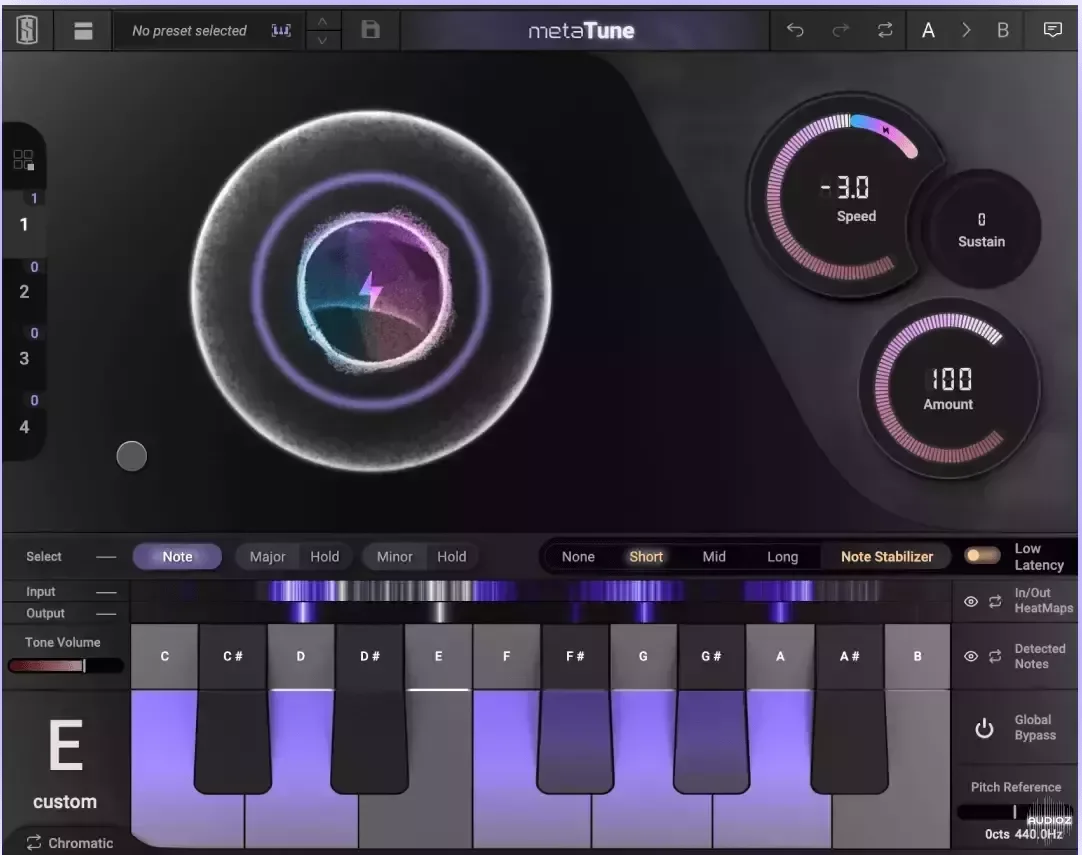
效果器插件
Slate Digital MetaTune v1.2.3.0 WiN 独立 VST2/VST3v1.2.3.0
效果器插件
ArtsAcoustic - Reverb 1.6.0.15、BigRock 1.0.7、CL Series 1.0.19、VST x86 x64(无需安装,SymLink 安装程序)[19.03.2017]
效果器插件