Viator DSP Multi-Q v1.3.1 VST3 AU x64 WiN macOS [免费]
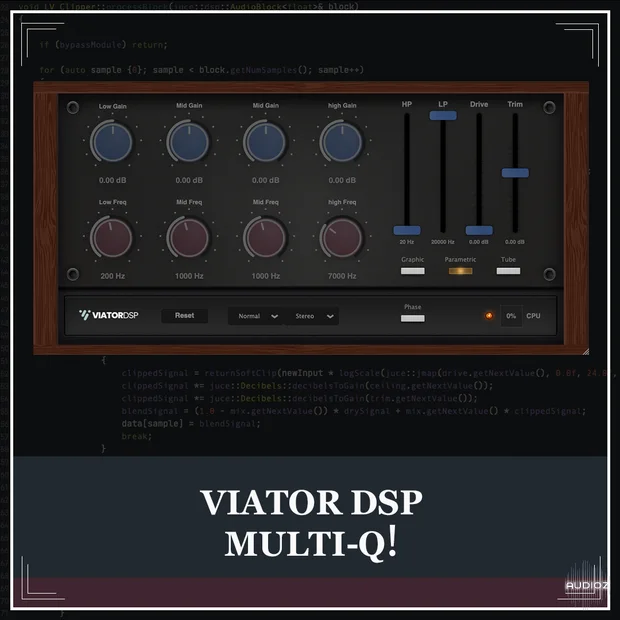
Hey everyone, I've got a new EQ plugin for you all! I call it the Multi-Q - three EQ models in one plugin, a graphic, parametric, and tube EQ. You can use all three EQ's at once if you wish or just one band. The filters turn off at 0 dB of gain to save precious CPU, so don't be afraid to load it up
资源介绍
FREE | 31 May 2022 | 34 MB MB
Hey everyone, I've got a new EQ plugin for you all!
I call it the Multi-Q - three EQ models in one plugin, a graphic, parametric, and tube EQ. You can use all three EQ's at once if you wish or just one band. The filters turn off at 0 dB of gain to save precious CPU, so don't be afraid to load it up to just use one band. Multi-Q also has low and high pass filters, a drive for tube distortion, mid/side processing, oversampling, and a phase inversion. Use the 3 buttons on the right side to switch EQ UI focus and have at it!
Although the UI looks like famous analog EQ's, this isn't supposed to be a hardware emulation, just a familiar interface and a starting point for creativity. Each EQ model's parameters were determined by my own EQing practices and I hope you find it useful!
Here are the features:
Graphic EQ
- 10 EQ bands from 31 to 15K hertz each with -12 to 12 dB of gain. These bands also
use proportional bandwidth to behave more like hardware.
Parametric EQ
- 4 EQ bands, each with its own frequency selecting knob and -12 to 12 dB of gain.
Tube EQ
- 2 sets of EQ bands each with a boost and cut knob for highs and lows. There's also a
frequency selecting knob for each set of bands and a shard bandwidth knob.
- High and Low pass filters.
- Drive for tube-style saturation.
- Output trim to control the output volume.
- Reset button to reset all sliders for the chosen model to 0 dB.
- Quality menu to select between no oversampling and 2 times oversampling.
- Stereo menu to select mid/side processing choices - which are stereo, mids, or sides.
- Phase invert button
- CPU monitor that can be toggled on or off
- Ability to type values into the dials and faders.
- Filters individually turn of when set to 0 dB to save on CPU, same goes for the drive and
the high/low pass filter when set to 20 and 20K hertz respectively.
UPDATE
- Fixed an issue where the two mid filters of the parametric model were not processing.
- Fixed an issue where the bandwidth dial of the tube model was not processing.
- Fixed an issue where the left side of the highpass fader and the graphic button were unresponsive due to being covered by the edges of another component.
Plugin Formats
- Mac Universal (M1 and Intel) AU and VST 64 Bit
- Windows VST3 64 Bit
相关推荐

效果器插件
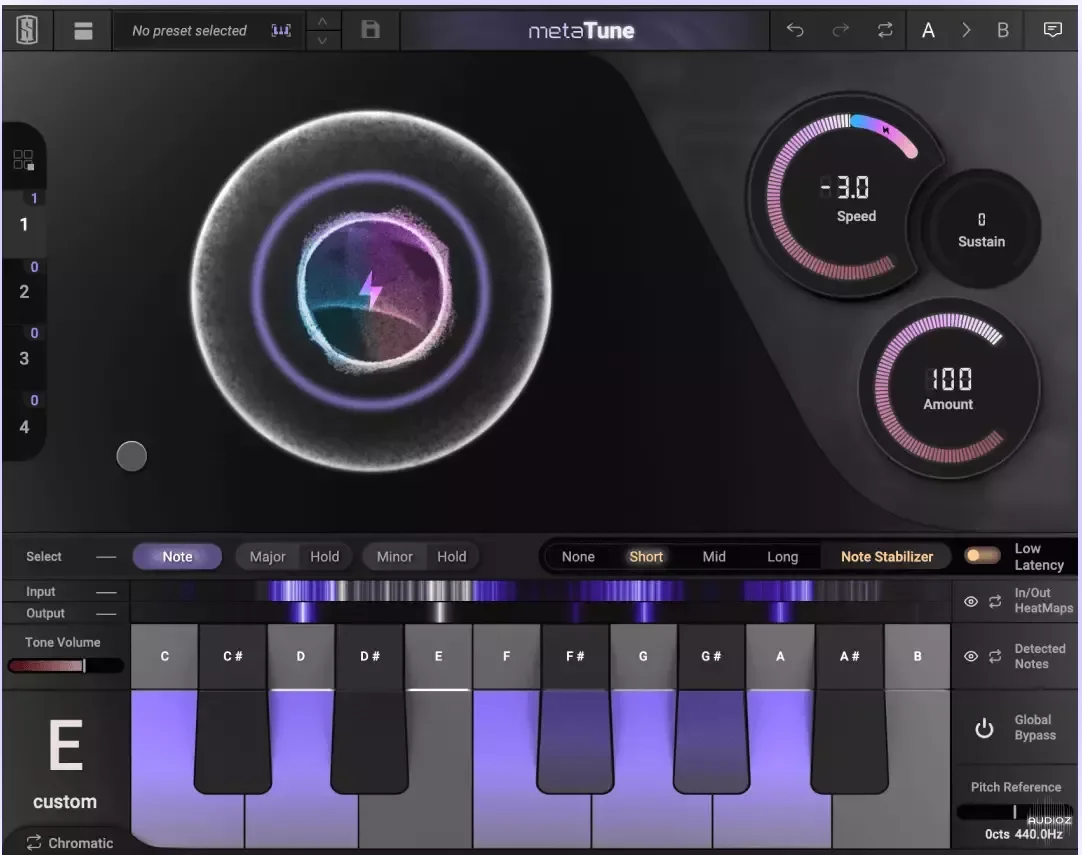
Slate Digital MetaTune v1.2.3.0 U2B macOS 阅读 NFO-GUISEPPEv1.2.3.0
效果器插件
Slate Digital MetaTune v1.2.3.0 WiN 独立 VST2/VST3v1.2.3.0
效果器插件
ArtsAcoustic - Reverb 1.6.0.15、BigRock 1.0.7、CL Series 1.0.19、VST x86 x64(无需安装,SymLink 安装程序)[19.03.2017]
效果器插件