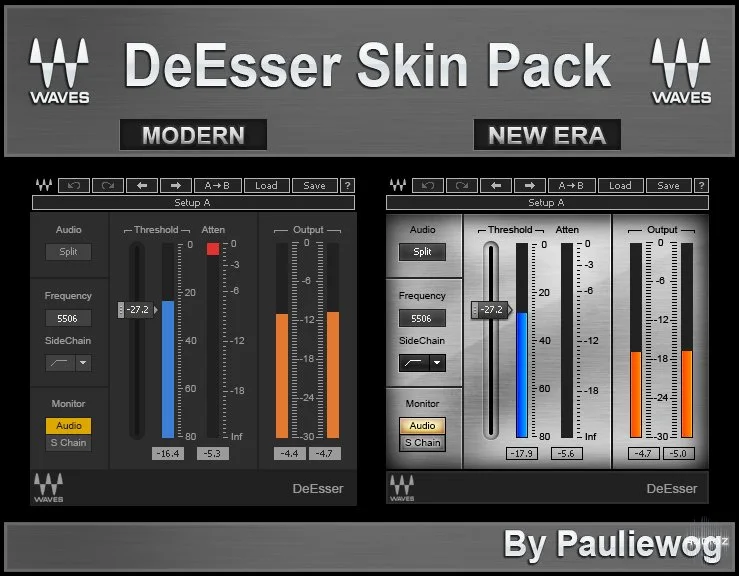
Pauliewog 的 Waves DeEsser 现代与新时代皮肤
When it comes to reducing excess sibilance (“ess” and “shh” sounds) from vocal tracks, nothing compares to Waves DeEsser. Inspired by vintage gear for precision de-essing and high frequency limiting, DeEsser delivers smooth and natural output with minimum fuss. *** How To Install *** 1. Open Explore
资源介绍
Skin | 722.94 KB
When it comes to reducing excess sibilance (“ess” and “shh” sounds) from vocal tracks,
nothing compares to Waves DeEsser.
Inspired by vintage gear for precision de-essing and high frequency limiting,
DeEsser delivers smooth and natural output with minimum fuss.
*** How To Install ***
-
Open Explorer to C: / Programs (x86) / Waves / Plug Ins V9 / DeEsser.bundle / Contents
-
Rename the PNG_.zip file to PNG_BK.zip in case you want to go back to the old skin.
-
Copy the PNG_.zip to the Waves Content folder and close explorer.
-
Open your DAW of choice and you can now use the skin I made.
Enjoy!!!
Pauliewog







