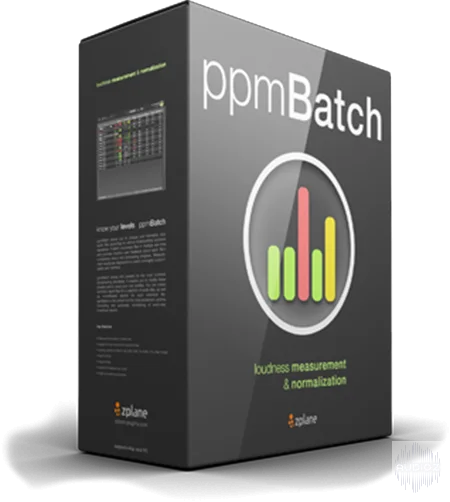
zplane ppmBatch v1.1.0 CE-V.R
ppmBatch allows you to analyze and normalize your audio files according to various broadcasting loudness standards. It batch processes files in multiple real time and provides intuitive user feedback about each file's compliance status and processing progress. Measurement results are displayed in a
资源介绍
TEAM V.R | 17 August 2018 | 18.42 MB
ppmBatch allows you to analyze and normalize your audio files according to various broadcasting loudness standards. It batch processes files in multiple real time and provides intuitive user feedback about each file's compliance status and processing progress. Measurement results are displayed in a clearly arranged, customizable user interface.
ppmBatch comes with presets for the most common broadcasting standards. It enables you to modify these presets and to setup your own profiles. You can create summary report files for a selection of audio files, as well as more detailed reports for each individual file
ppmBatch is the perfect tool for post production, archive converting and automatic normalizing of every-day broadcast reports.
Key Features
fast scan & normalize of multiple files
support for multi-channel and multi-mono files
default loudness presets for EBU R 128, ATSC A/85, ITU-R BS.1770, ARIB TR-B32, FreeTV OP-59
drag and drop
support for broadcast wav audio
single and overall status reports
Technical Specifications
supported input formats: wav, aif, mp3, ogg, wma, flac
Min. system CPU: 2GHz
OSX min. 10.8, Windows min. 7
New version available - ppmBatch V1.1.0 released
We've released a new version of ppmBatch today. Besides removing some issues, we have added support for 7.1. This release is recommended to all users.
Please have a look at the change log:
- (Win) fix : reading incorrect length from MP3 with VBR
- (all) fix : report displays the LRA not precise
- (all) fix : wrong handling of multi-mono files having multiple dots in their names
- (all) new : support for 7.1 multichannel input (wav & multi-mono)
- (all) new : show color-coded max. TP for each channel
相关推荐

效果器插件
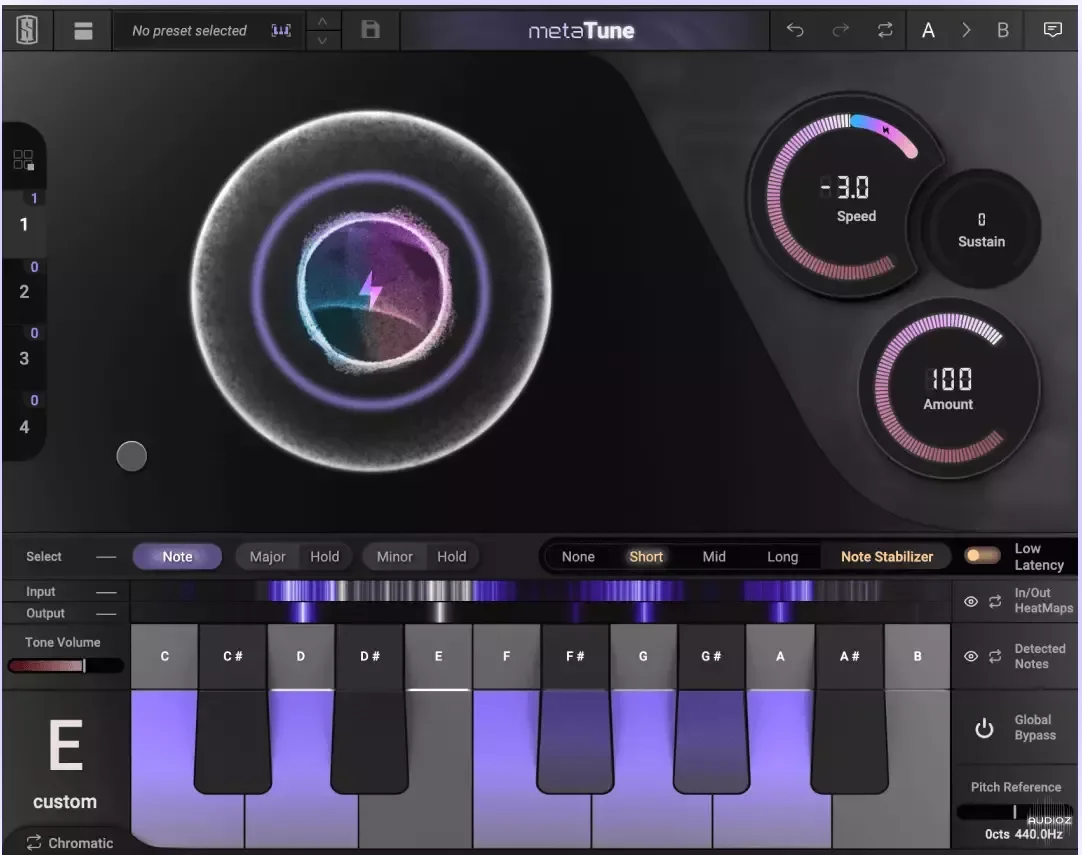
Slate Digital MetaTune v1.2.3.0 U2B macOS 阅读 NFO-GUISEPPEv1.2.3.0
效果器插件
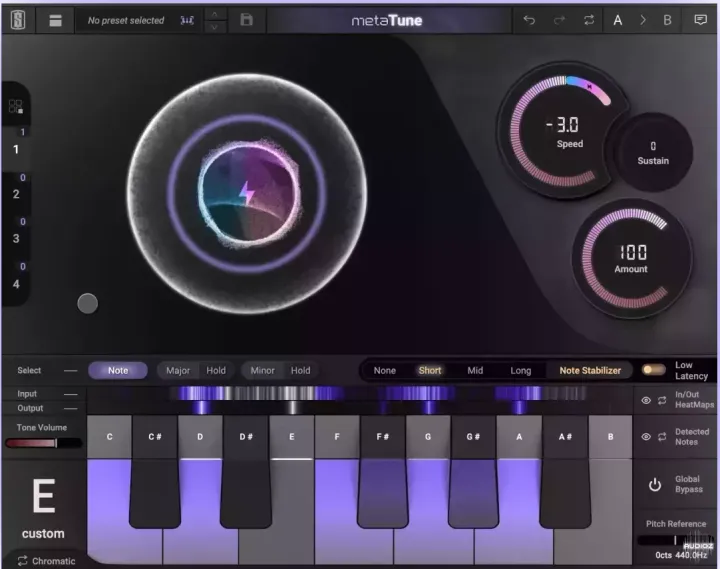
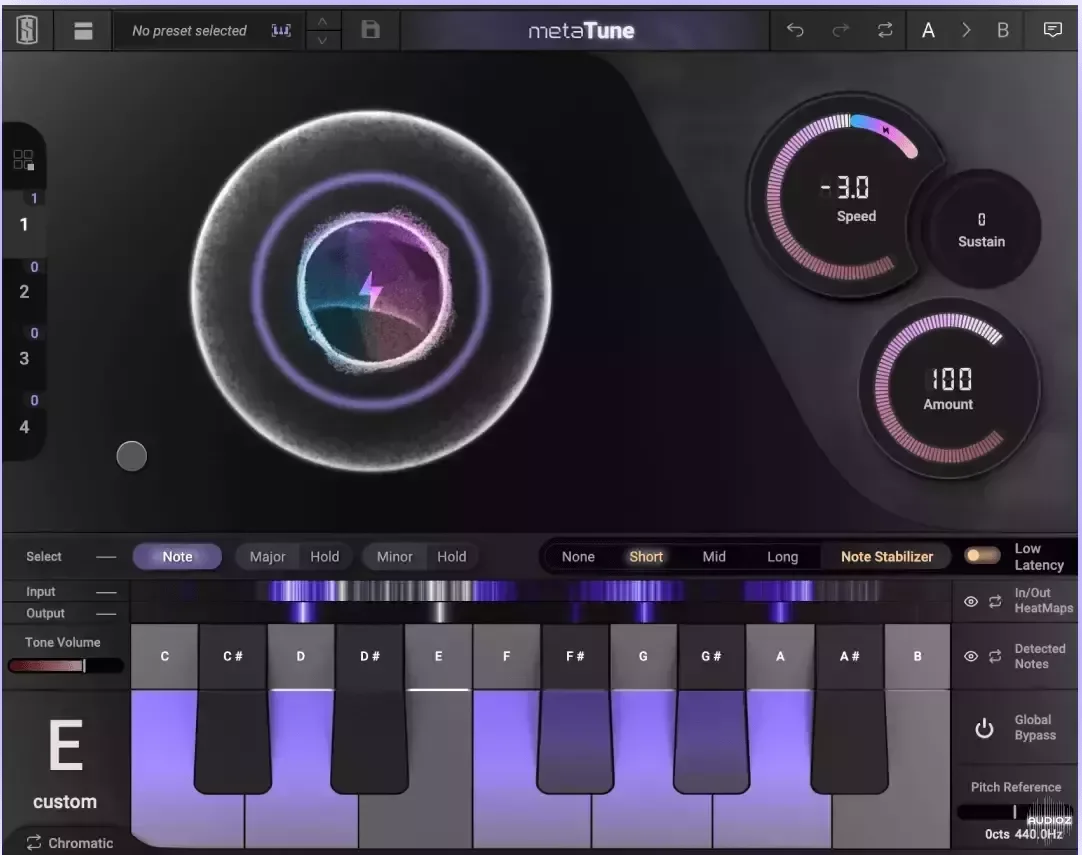
Slate Digital MetaTune v1.2.3.0 WiN 独立 VST2/VST3v1.2.3.0
效果器插件
ArtsAcoustic - Reverb 1.6.0.15、BigRock 1.0.7、CL Series 1.0.19、VST x86 x64(无需安装,SymLink 安装程序)[19.03.2017]
效果器插件