Zynaptiq UNCHIRP v1.0.0 VST AU RTAS MacOSX-PiTcHsHiFteR
UNCHIRP is a plug-in for removing the most obnoxious artifacts associated with lossy audio encoding and other FFT based processes, such as spectral de-noising. Reduce musical noise, suppress high frequency chirping (also known as underwater sound, warbling or the tweeties), fix transient smearing, a
资源介绍
PiTcHsHiFteR | August 26 2014 | 43 MB
UNCHIRP is a plug-in for removing the most obnoxious artifacts associated with lossy audio encoding and other FFT based processes, such as spectral de-noising. Reduce musical noise, suppress high frequency chirping (also known as underwater sound, warbling or the tweeties), fix transient smearing, and restore lost high frequencies – UNCHIRP does it all in one go. If you need to salvage poorly encoded music, speech that has gone through a low bit rate uplink, material that has been de-noised too strongly, or footage recorded with consumer mobile devices – or if you simply want to add contour and vibrance to already great sounding recordings – UNCHIRP is your (only) friend.
The UNCHIRP features at a glance:
Suppression of high frequency "chirping" artifacts.
Reduction of "musical noise" artifacts.
Transient Synthesis to augment or replace smeared, over-limited or otherwise compromised transients.
Psycho-Acoustically optimized Treble Boost circuit with Enhance and Excite modes.
Break-Point Curve Editor based frequency-dependent processing.
Side-only algorithm mode for working with joint-stereo encoded material.
HD algorithm mode for increased quality processing with higher CPU load (off-line processing recommended).
SYNC parameter allows processing to be synchronized to signal transients for increasing clarity.
Output limiter for unsupervised use in batch processing applications.
Highly time-efficient workflow and UI.
INSTRUCTIONS
—Unpack and copy plug-ins to default directory
—Copy Zynaptiq_UNCHIRP_Manual.pdf to /Applications/Zynaptiq Plug-In Support
—UNCHIRP AU.component to /Library/Audio/Plug-Ins/Components/
—UNCHIRP VST.vst to /Library/Audio/Plug-Ins/VST/
—RTAS COPY TO TWO directory
—UNCHIRP RTAS.dpm to /Library/Audio/Plug-Ins/Digidesign/
—UNCHIRP RTAS.dpm to /Library/Application\ Support/Digidesign/Plug-Ins/
---Have FUN!!!
___@PiTcHsHiFteR
相关推荐

效果器插件
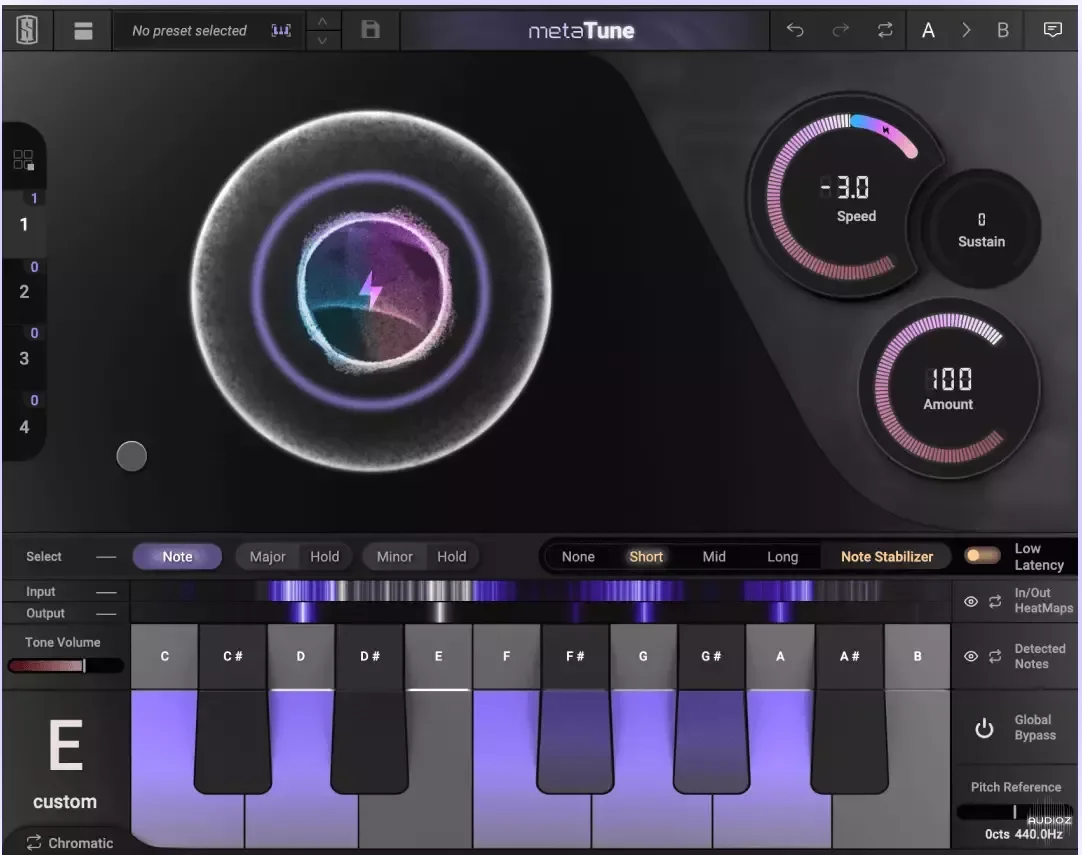
Slate Digital MetaTune v1.2.3.0 U2B macOS 阅读 NFO-GUISEPPEv1.2.3.0
效果器插件
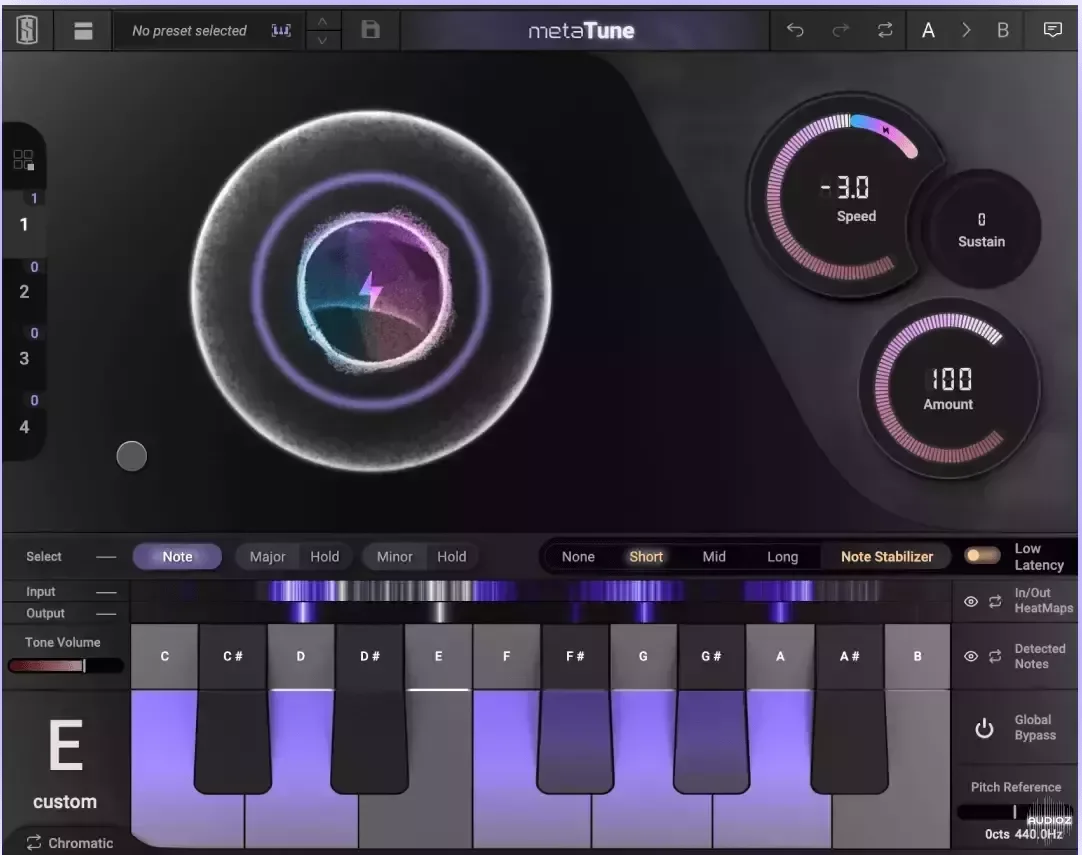
Slate Digital MetaTune v1.2.3.0 WiN 独立 VST2/VST3v1.2.3.0
效果器插件
ArtsAcoustic - Reverb 1.6.0.15、BigRock 1.0.7、CL Series 1.0.19、VST x86 x64(无需安装,SymLink 安装程序)[19.03.2017]
效果器插件